


How to disable Schedule Snapshot?
最后修订日期:
2022-08-15
Applicable Products
- Storage & Snapshots
- Log in QTS as an administrator
- Go to Storage & Snapshots > Storage > Storage / Snapshots
- Click
 (arrow) next to Storage Pool to list the data volume
 - Right-Click the volume
A Drop-down menu appears - Click Snapshot Manager
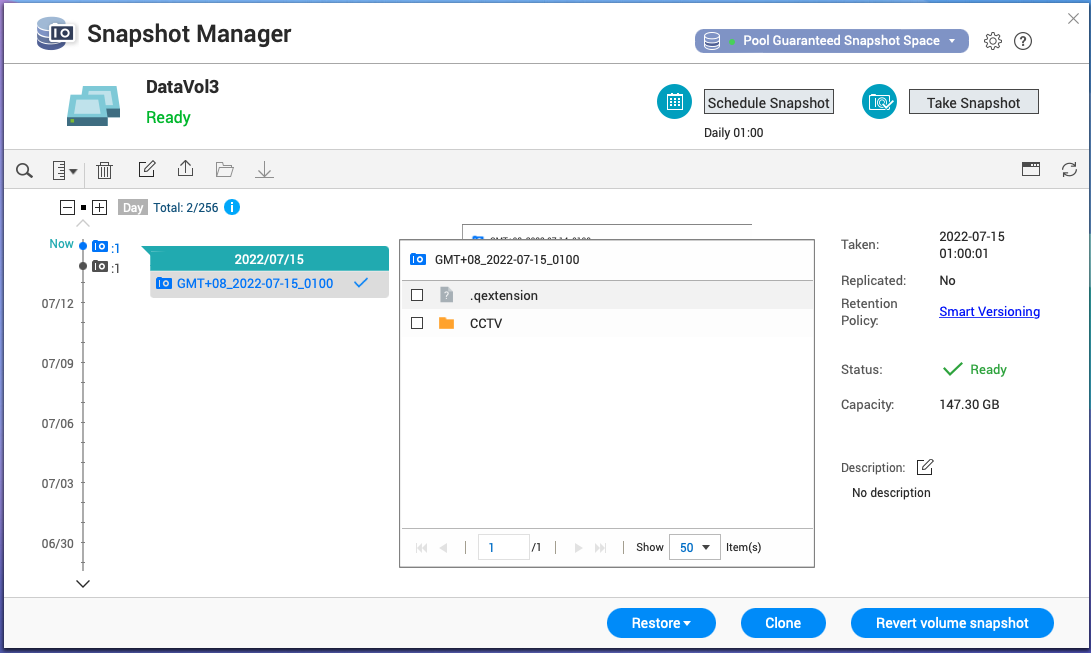
Snapshot Manager window opens - Click Schedule Snapshot on the top-right corner
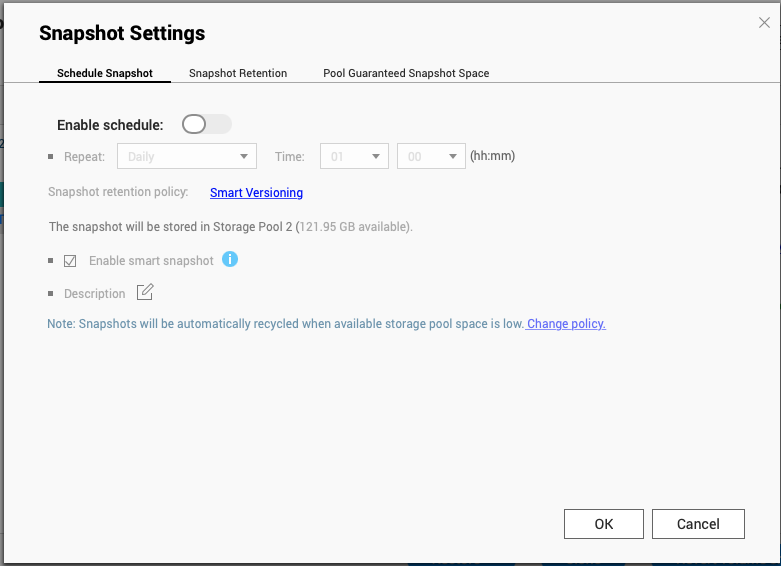
Snapshot Settings window opens - Toggle off Enable Schedule


