


How do I update the firmware and reset the display order for EJ JBODs?
最后修订日期:
2018-03-02
The front-panel display indicates the order of EJ JBOD (expansion enclosures for ES NAS).
Users can redetect and reset the displayed numbers by going to "Storage Manager" > "Disks" > "Recover" > "Reinitialize Enclosure ID".
The ES NAS checks for EJ JBOD firmware updates after it reboots. These firmware updates are automatically applied.
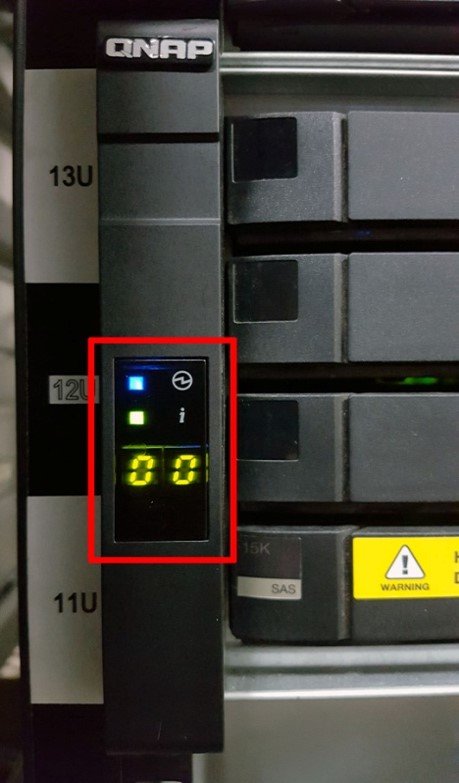
The front-panel display indicates the order of this EJ JBOD.
需要进一步协助,欢迎前往官方社区发帖,与其他用户及 QNAP 专家交流。 前往 QNAP 官方社区


