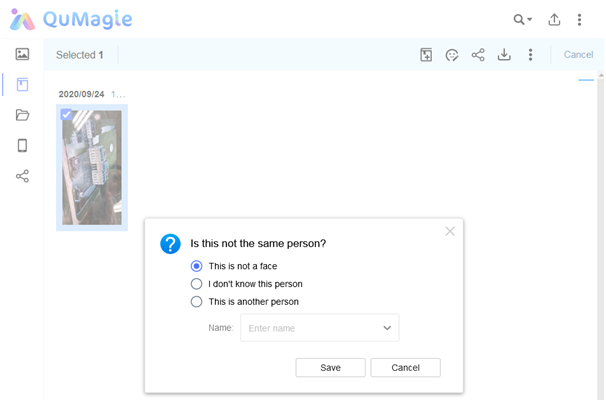
How to remove faces from People Album?
最后修订日期:
2022-10-19
Applied Products:
- All NAS Series supports latest QuMagie QPKG
- All NAS firmware supports installing latest QuMagie QPKG
Scenarios:
Some faces that I don’t want them to be shown in People Album. How to remove those faces from People albums?
Solution:
1. Click on an people album to enter it.
2. Select a picture (or pictures) in the album and then click on the icon highlighted in the picture below.
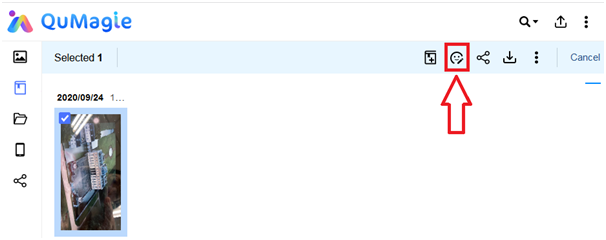
3. You can then choose what you want to do with the selected pictures.