


How to update Q’center older than 1.9.1036 ?
最后修订日期:
2019-09-09
Applied models:
Answer
If the Q'center version is newer than 1.9.1036,please direcly installing the patch and If Q'center version is older than 1.9.10.36 since Q’center 1.9.1036 includes a major kernel update,Export and Import the settings and reinstalling Q'center is required,please follow the procedures below.
- Log in to Q’center.
- Go to Settings > Export/Import Settings.
- Click Export. Q’center exports and downloads the settings file to your device.
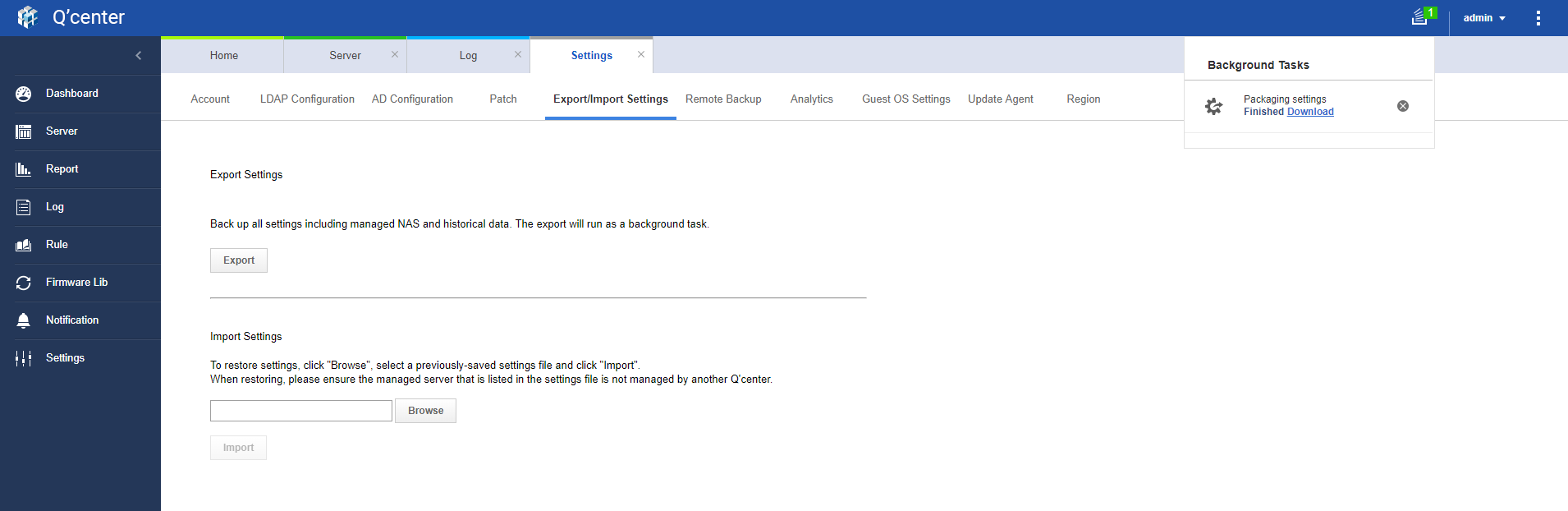
- Verify that no other Q’center server is monitoring the same NAS.(If only one Q'center Server is used, this step can be ignored.)
- Download the latest Q'center version and deploy Q’center by virtual appliance again
- Log in to Q’center
- Go to Settings > Export/Import Settings.
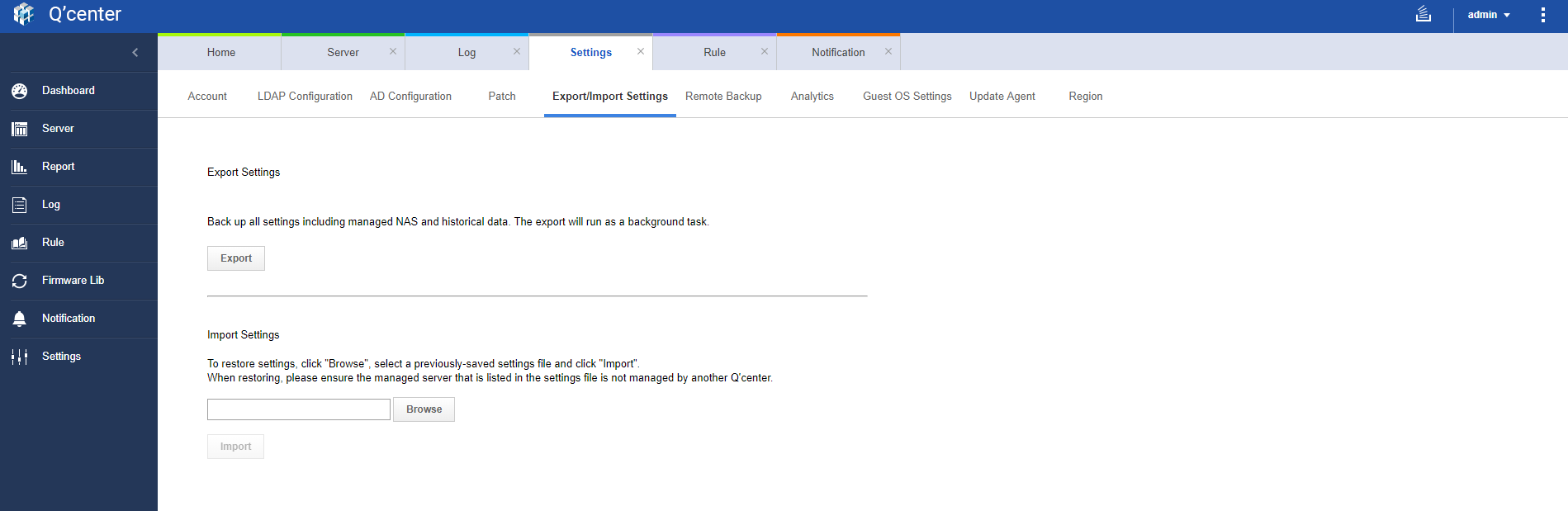
- Click Browse.
- Select the settings file previously downloaded.
- Click Import. After importing the settings, verify that all the server settings in Q’center are correctly configured or displayed.
需要进一步协助,欢迎前往官方社区发帖,与其他用户及 QNAP 专家交流。 前往 QNAP 官方社区


