


SMB disk is not visible in Time Machine accessing with Local QTS account
Applied models:
-
All NAS Series
Applied Firmware:
-
All QTS Firmware Versions
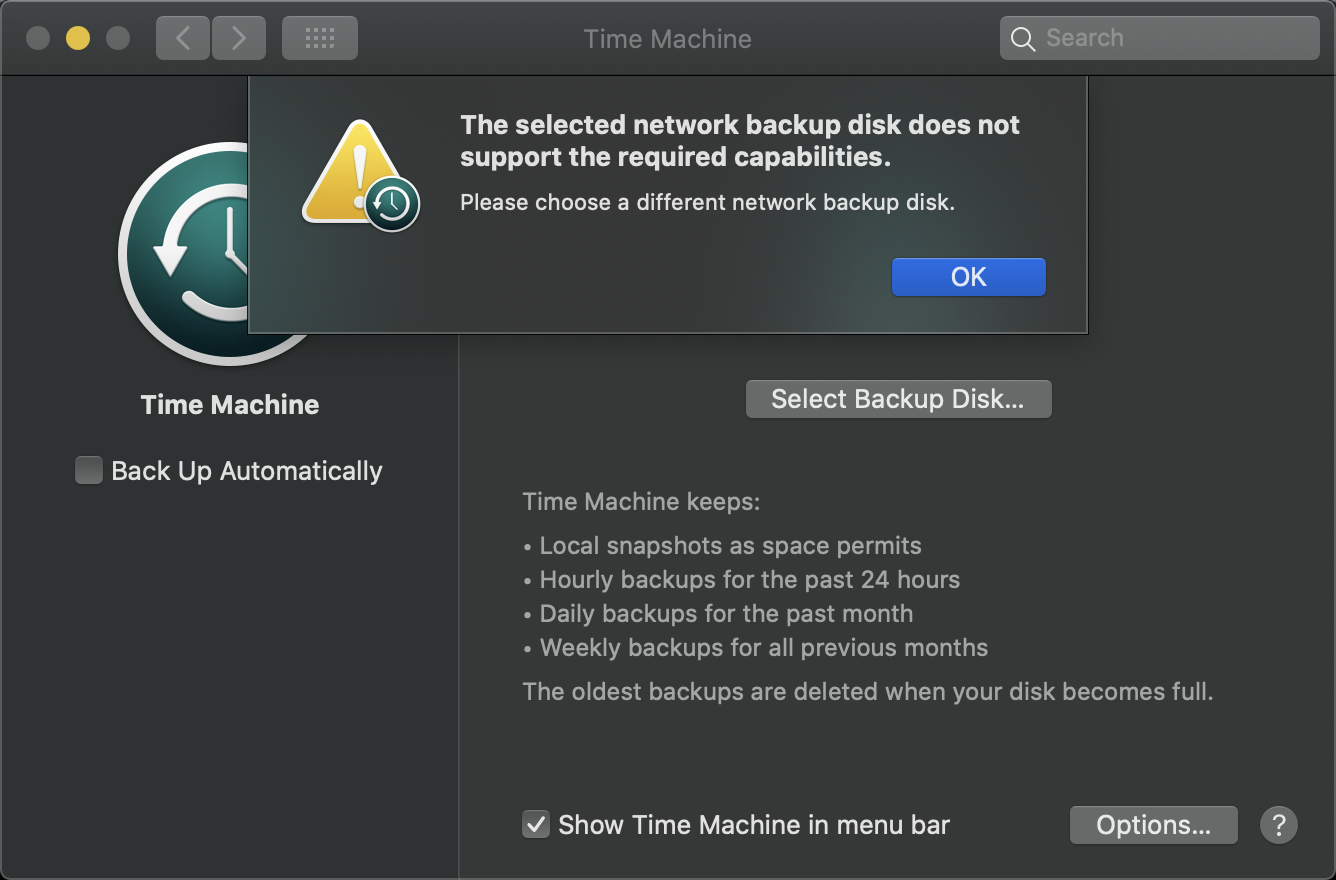
You are following the guide Using Time Machine to Back Up Macs to a QNAP NAS via SMB but you find that the SMB HDD is not visible as shown in the image below:
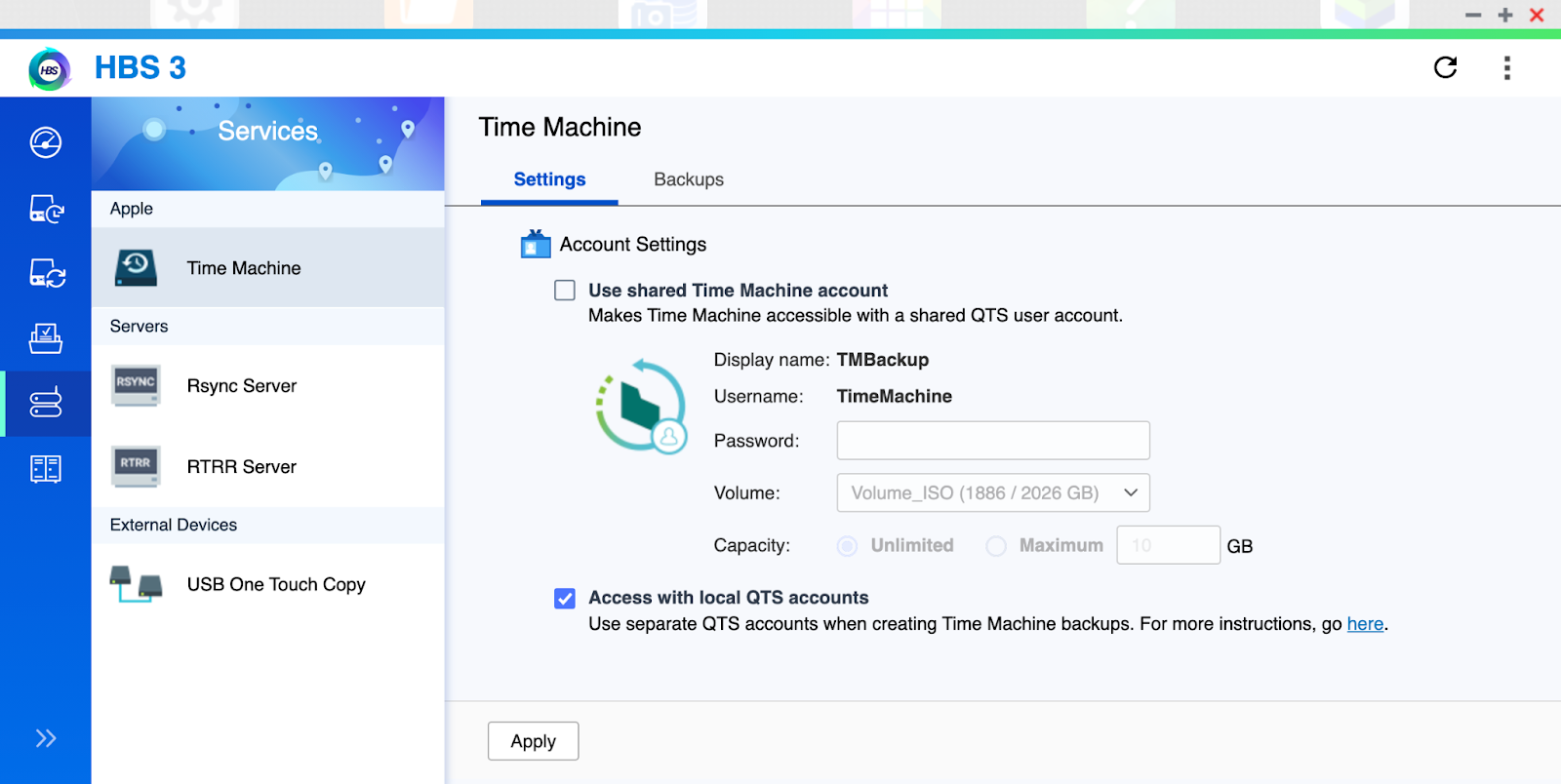
This could be because you only enable “Access with local QTS accounts” such as in below image:
You could enable “Use shared Time Machine account” and check if you are able to see the SMB connection as below:
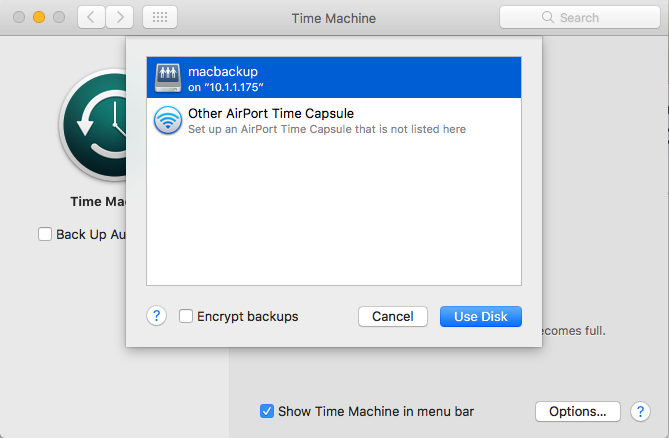
Enabling the "Shared Time Machine account" is a must for supporting mutiDNS. You do not need to use it but you must keep it enabled for it to show the SMB connection shared.
需要进一步协助,欢迎前往官方社区发帖,与其他用户及 QNAP 专家交流。 前往 QNAP 官方社区


