


How to move shared folders to a new volume?
The simplest way to do this would be using Hybrid Backup Sync. Please follow the steps below:
-
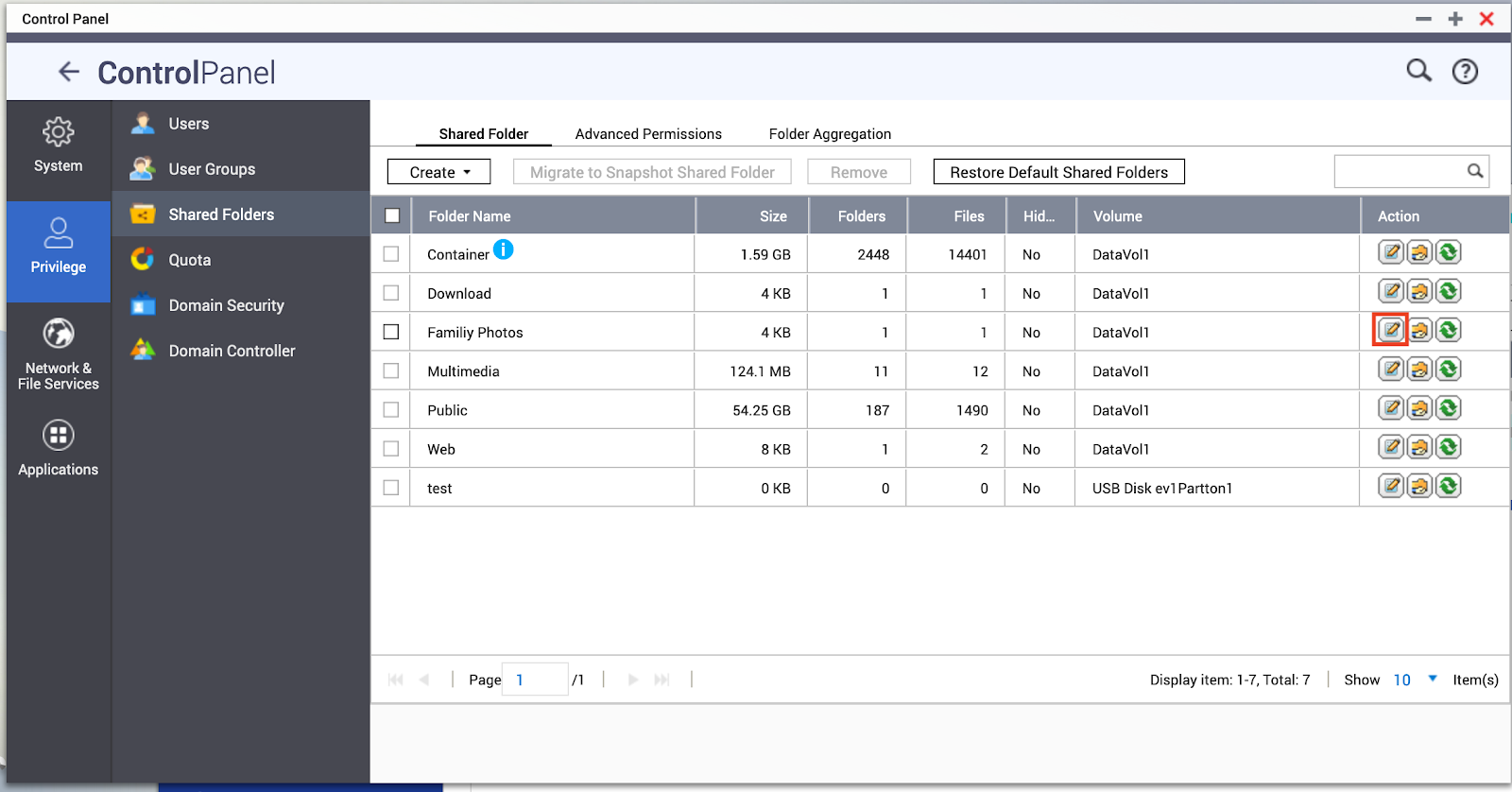
Open Control Panel > Privilege > Shared Folders
-
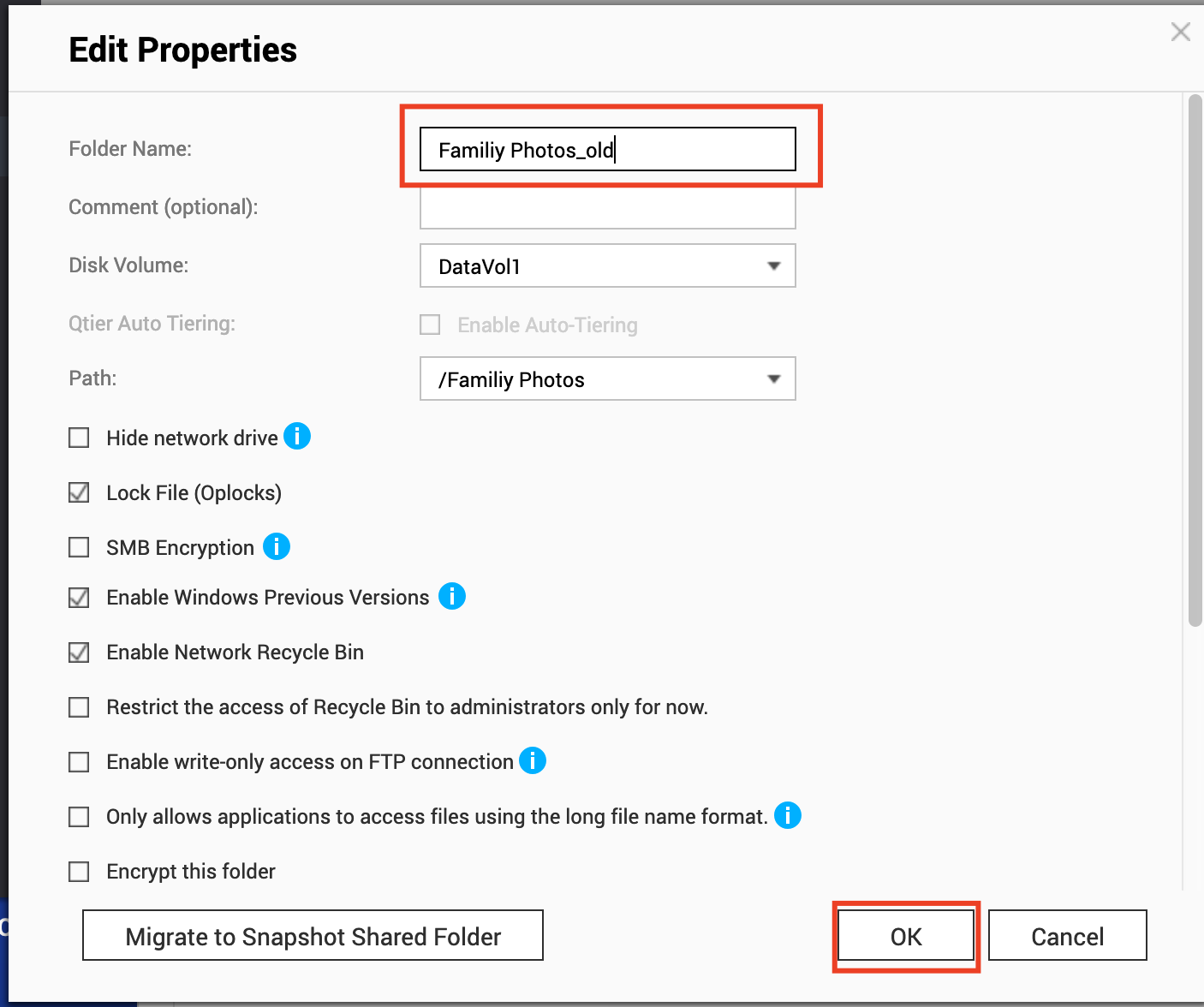
Rename the folder you are trying to move (if you’re moving a folder named “Family Photos” you could rename it to “Family Photos_old” for example).
2.1 Find the shared and click on Edit property icon
2.2 Change the folder Name (e.g. Family Photos_old)
-
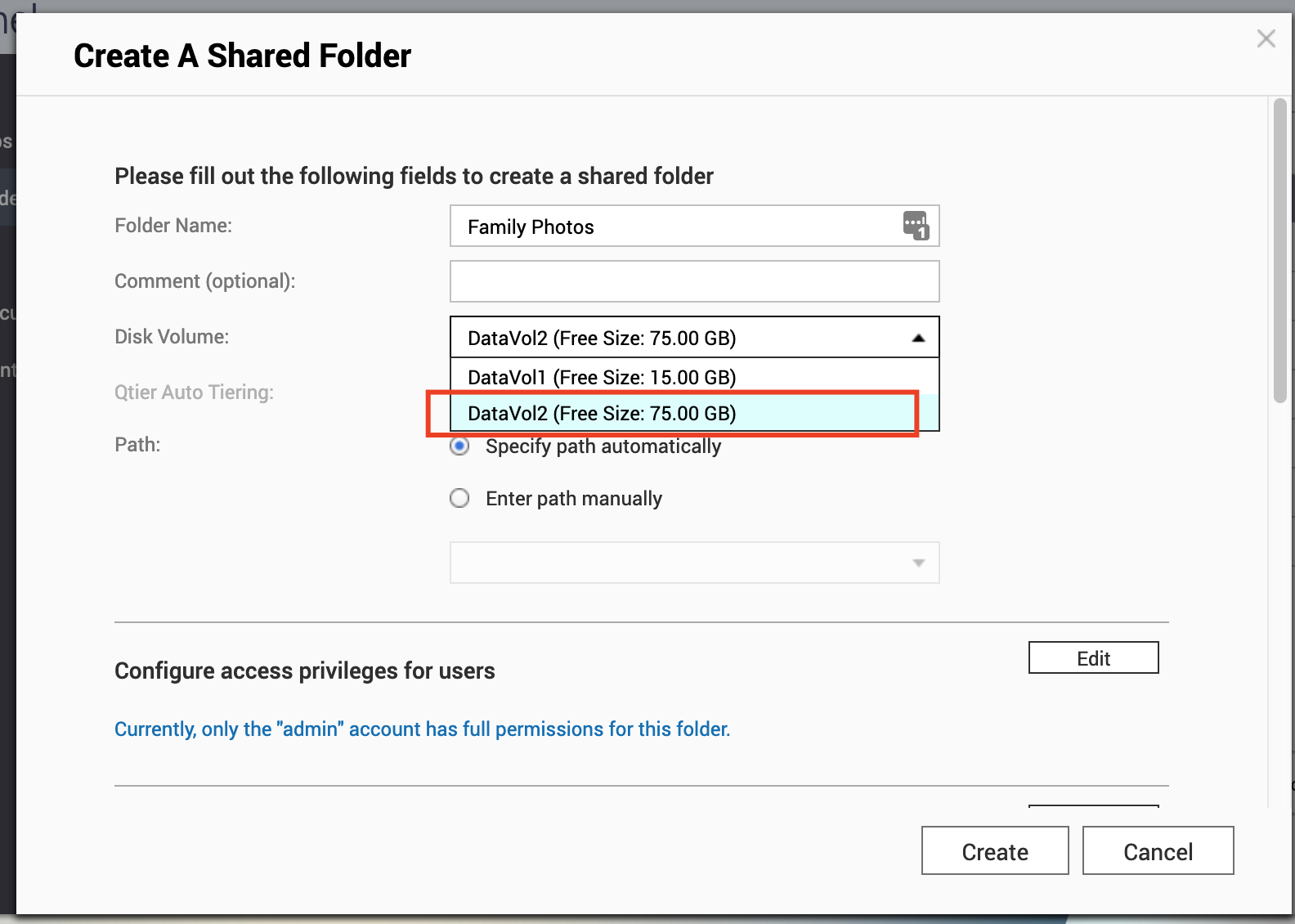
Make a new folder on the destination volume with the same name as the original folder using File Station. In our example it would be “Family Photos”.
-
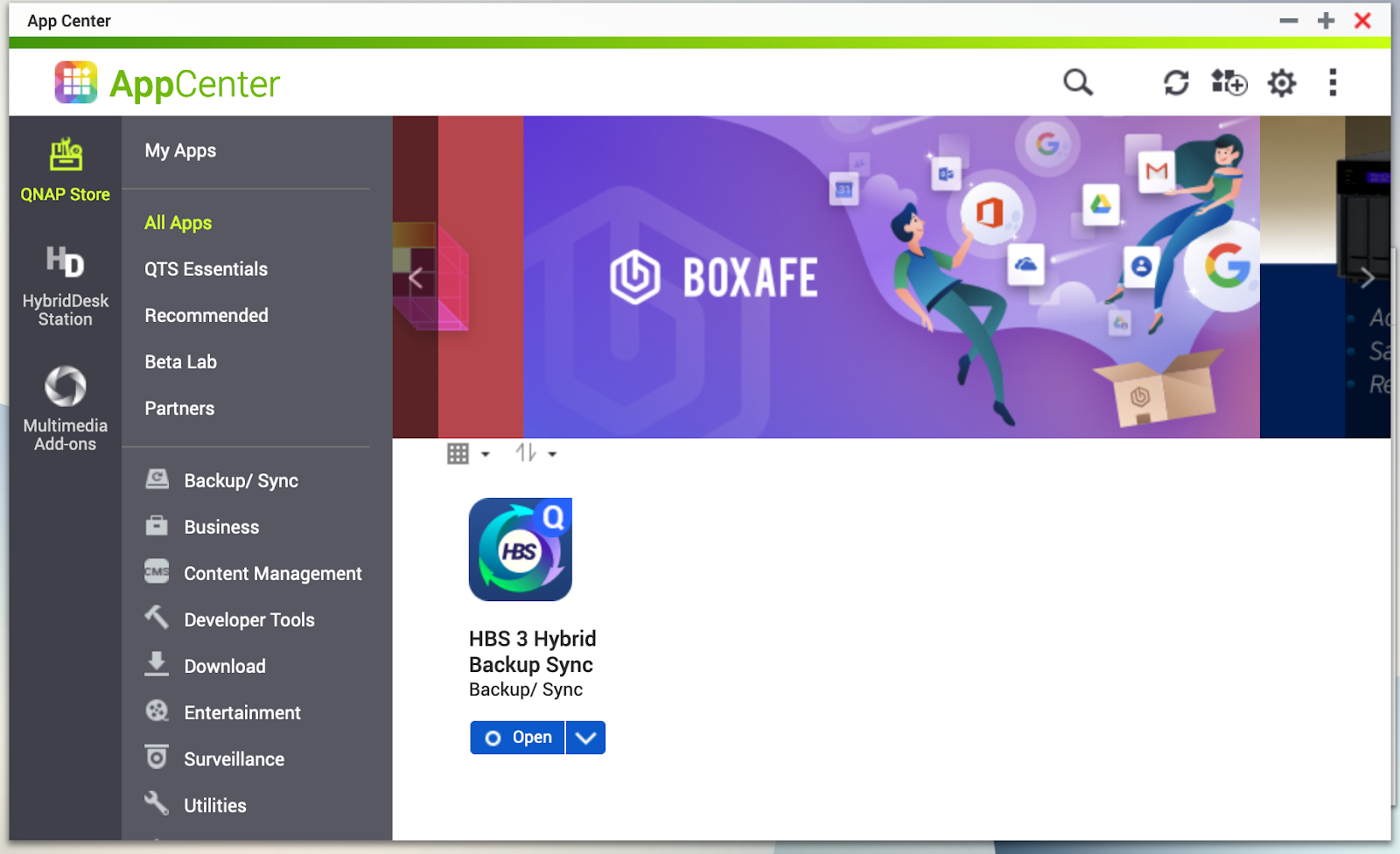
Open App center and Install Hybrid Backup Sync
-
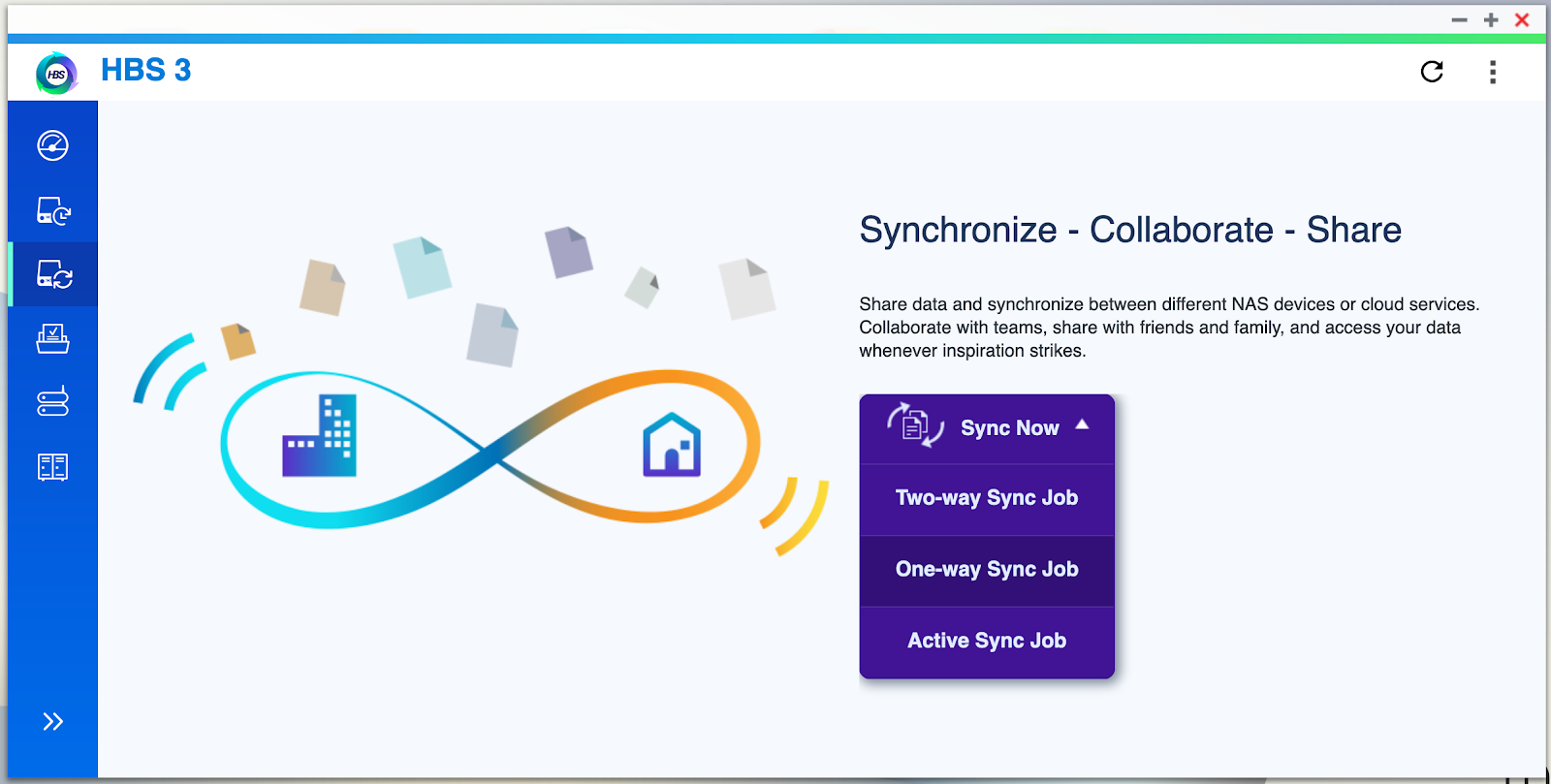
Create a one way Sync job
-
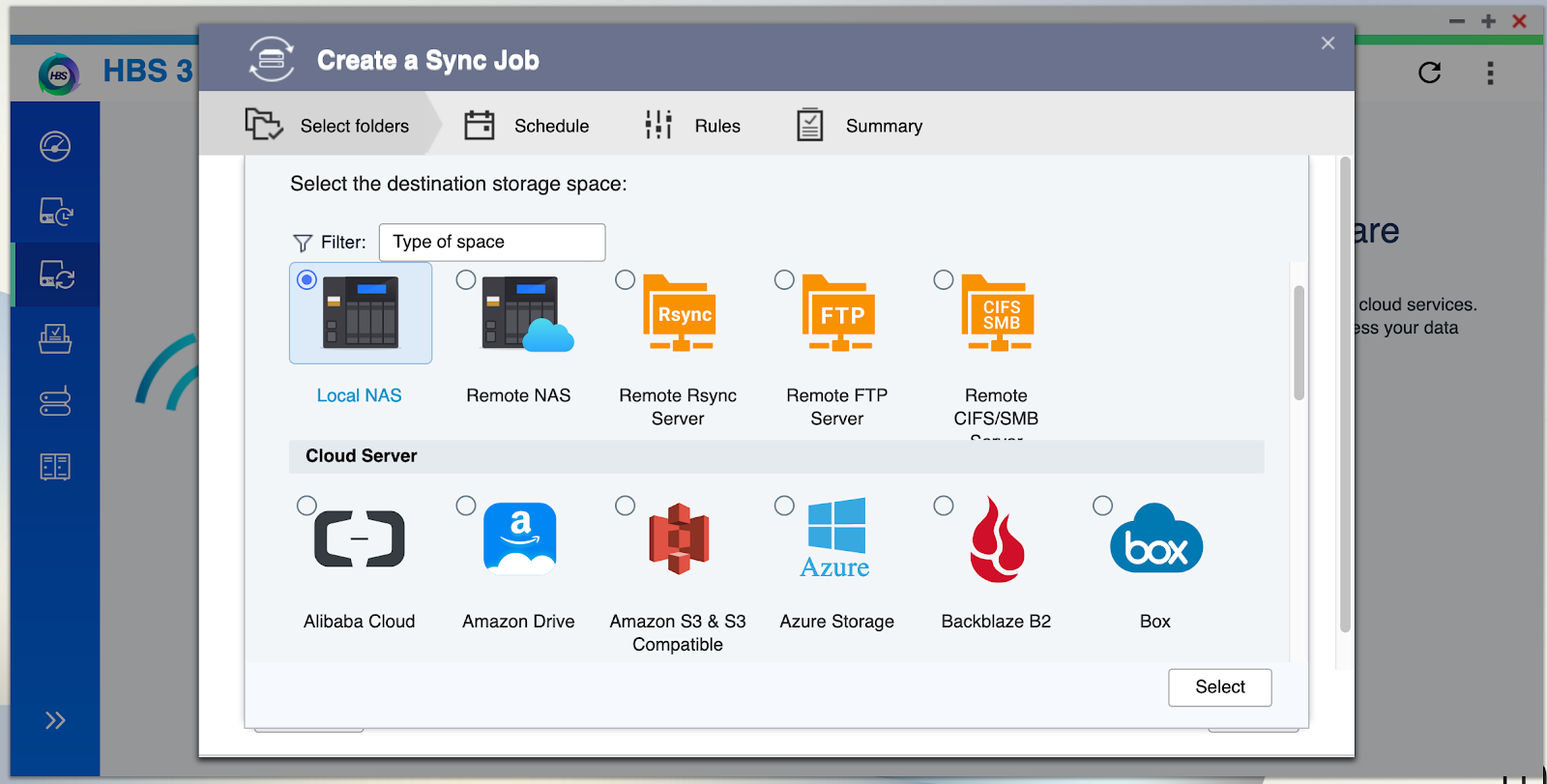
Set up a local NAS sync job
-
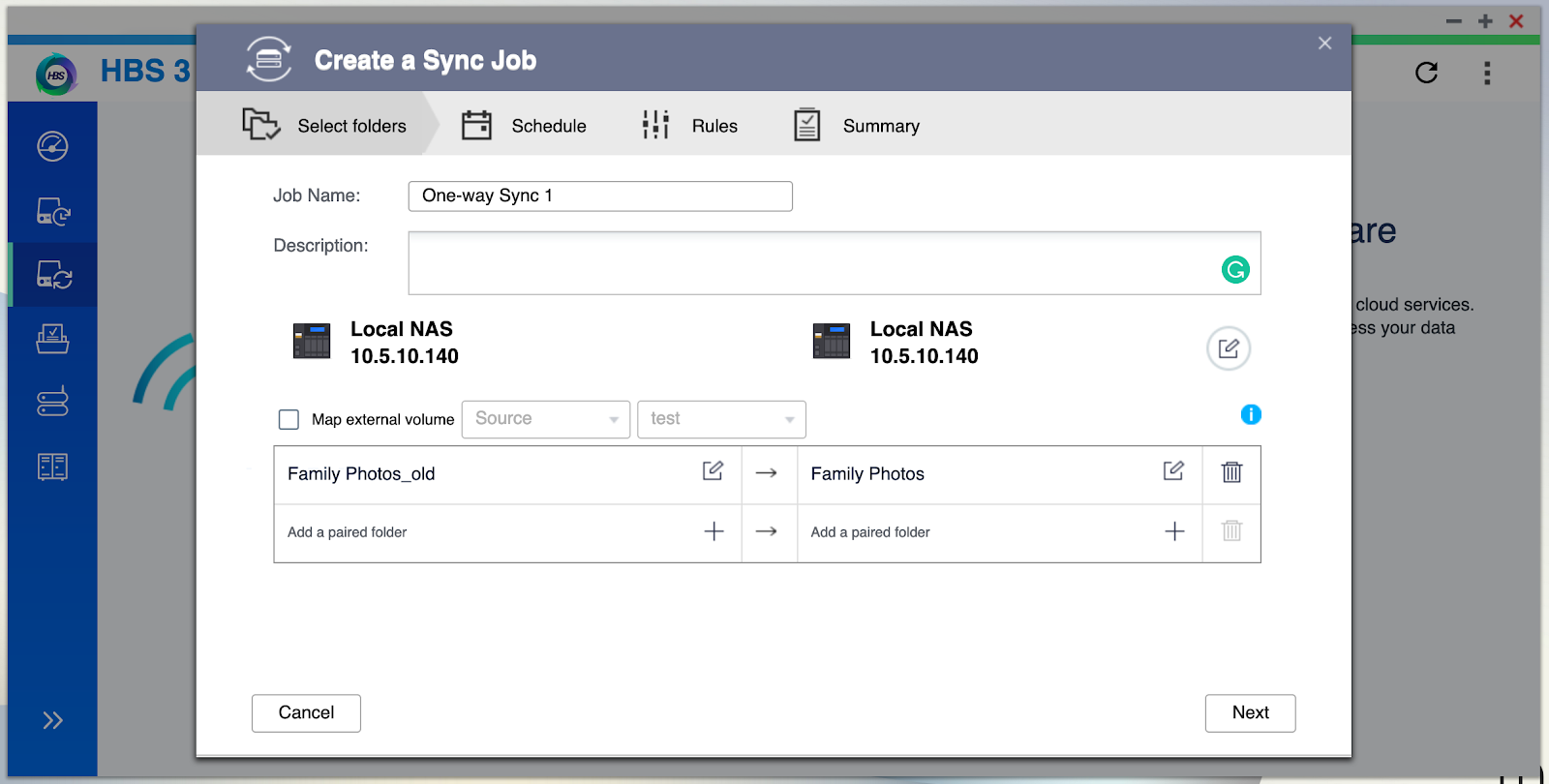
Pair the job from old shared to new shared folder (e.g. Family Photos_old to Family Photos)
-
Create the job and sync,all the files should be copied to the new shared folder.
-
The original folder can now be deleted, but before you do this, we recommend you make sure all files have been copied over to their new location.
Please note that the default folders can’t be moved this way.
需要进一步协助,欢迎前往官方社区发帖,与其他用户及 QNAP 专家交流。 前往 QNAP 官方社区


