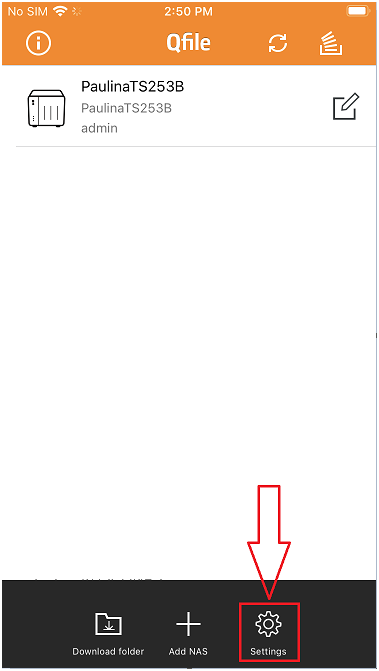
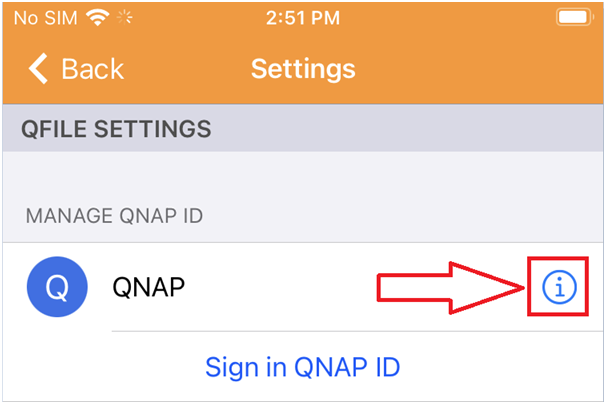
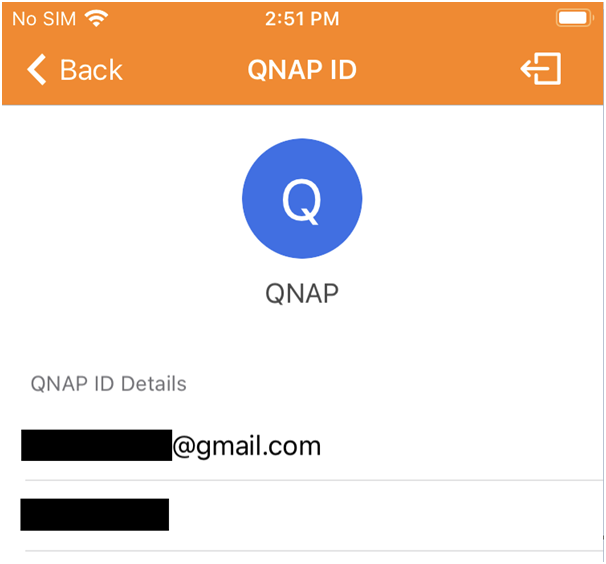
[Andriod/iOS Mobile APPs] Why is there an error message says “This NAS is not on the QNAP ID list” after I signed in my QNAP ID?
最后修订日期:
2022-03-30
Applied models:
All NAS Series
Applied firmware:
All NAS firmware
Scenarios:
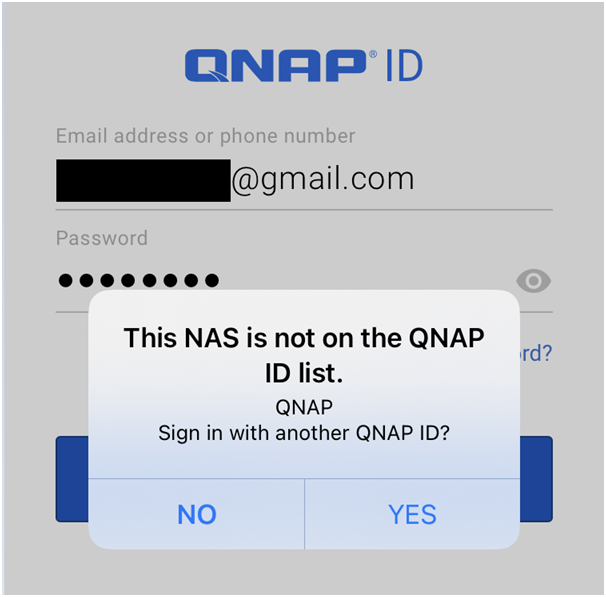
After I just signed in my QNAP ID, an error message pops-up and says “This NAS is not on the QNAP ID list”
Solution:
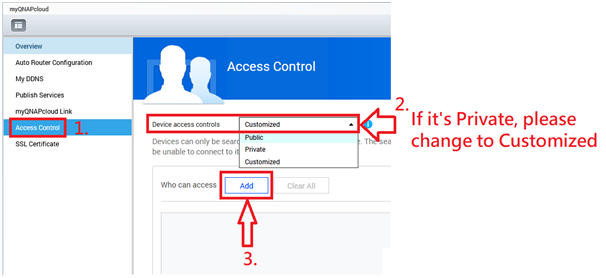
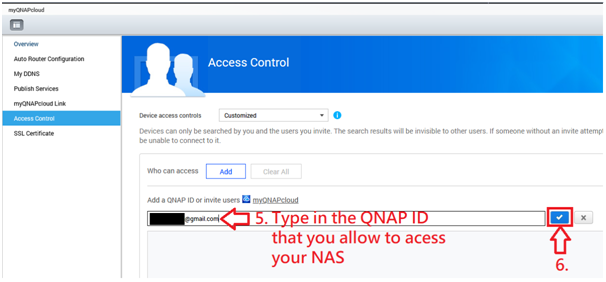
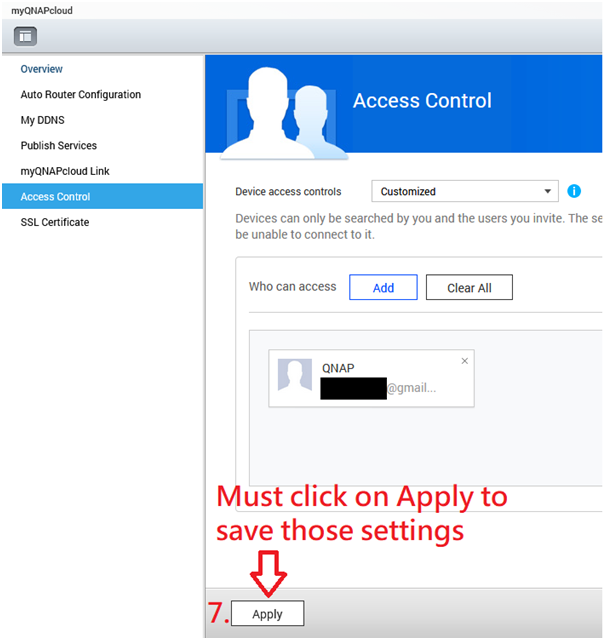
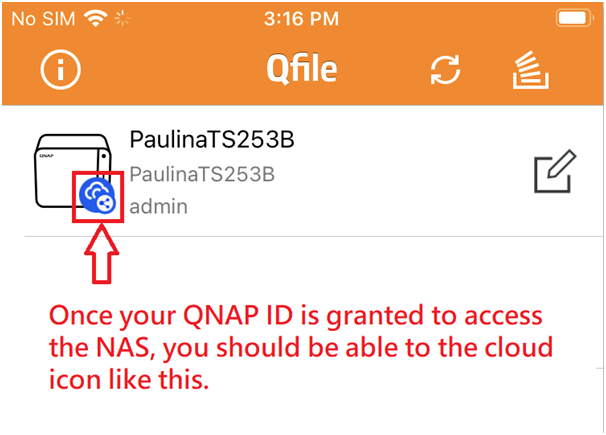
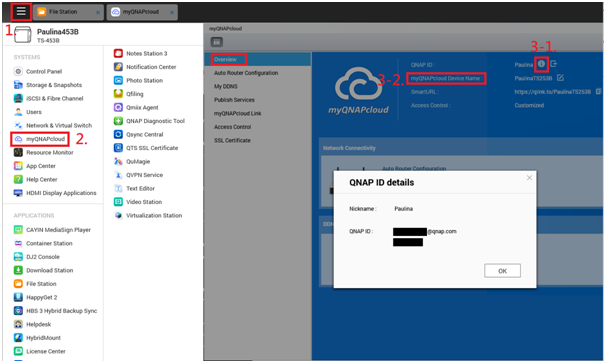
Please use administrator account to log in your NAS web admin interface via a computer >myQNAPcloud> check if the NAS’ myQNAPcloud Device name and QNAP ID in used are the same as you put in your mobile APPs.
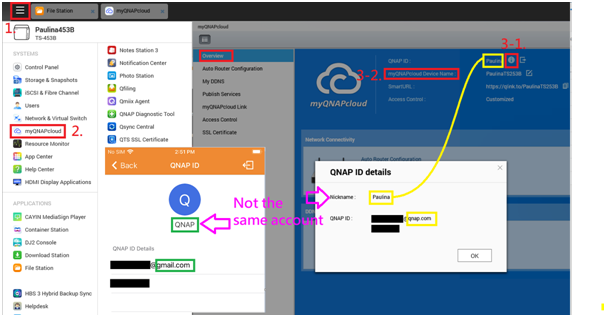
If your account is not an administrator account, please ask the system admin to add your QNAP ID to the NAS.