How can I confirm that I'm using QNAP's memory?
Applicable Products
All NAS Models
Details
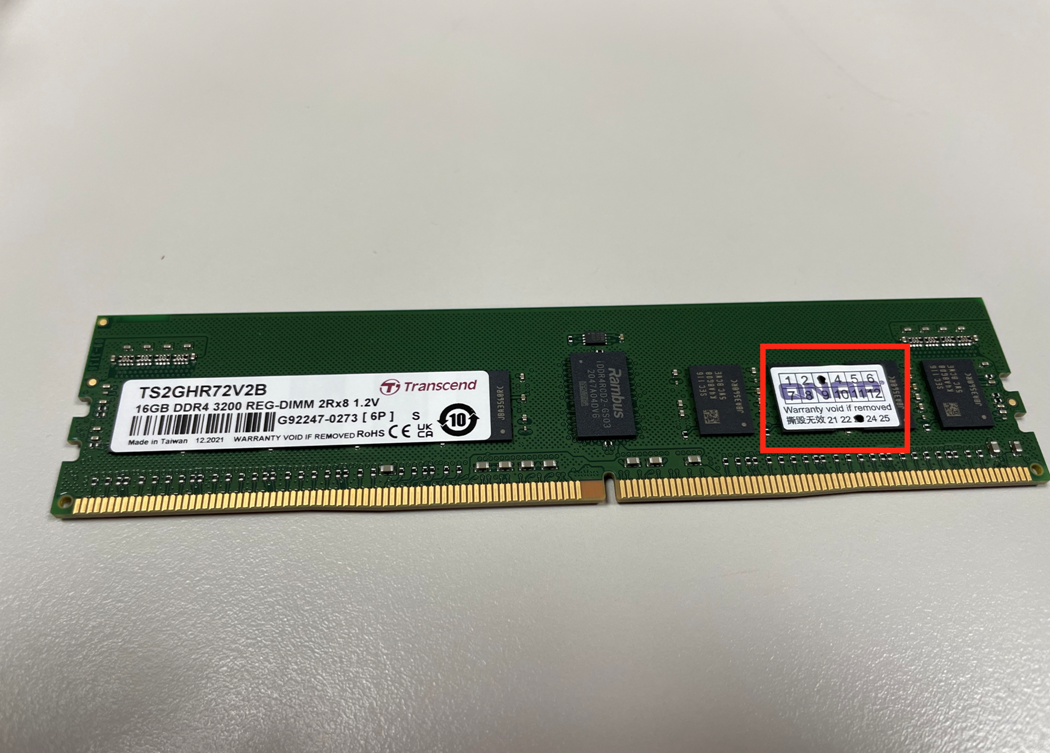
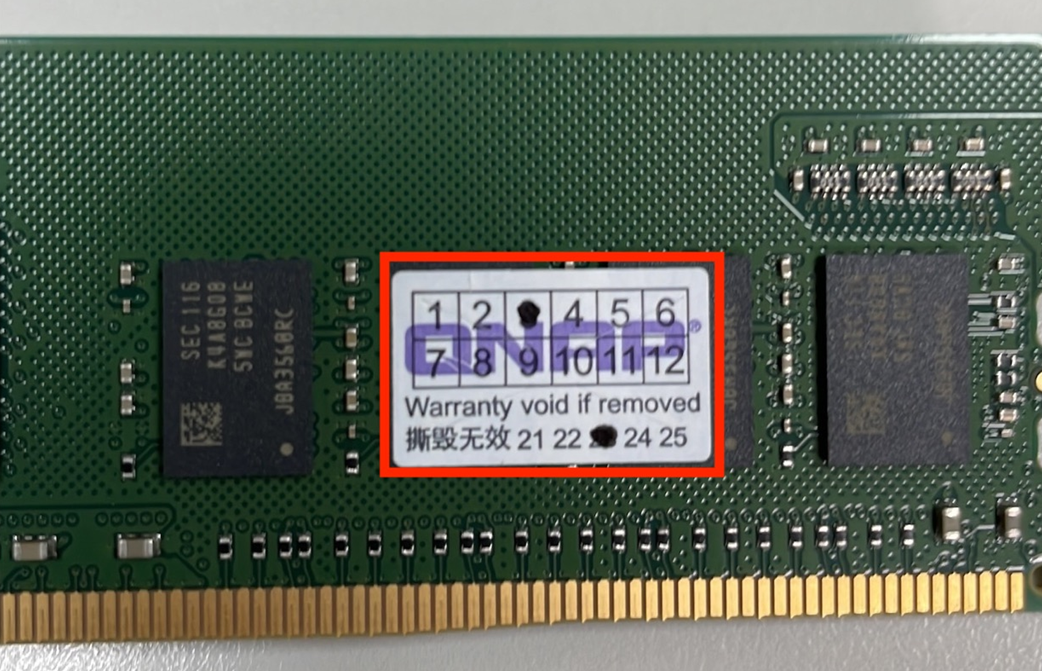
As the NAS comes with memory installed on them upon purchase, you will find a QNAP warranty sticker attached on RAM as a proof that the RAM installed is indeed from QNAP.
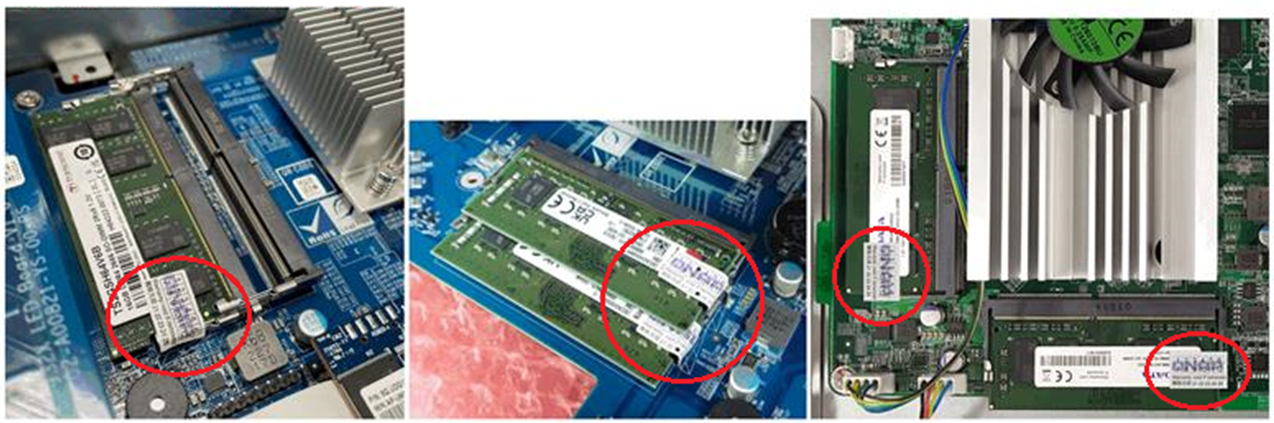
If no sticker is found and you wanted to confirm that it is indeed the NAS original RAM you will need to contact QNAP technical support group by opening a ticket in the QNAP support site to double check if the Serial Number of the memory card installed in the NAS is the original memory card that comes with it.
If you have purchased QNAP memory separately, it will have QNAP warranty sticker attached to it. So you can check for the presence of these stickers as an additional confirmation that you are using QNAP memory. QNAP Warranty sticker can be found on the memory module purchased from QNAP accessory store since 2021/01.
See below pictures for reference: