


Cannot find Qmusic in the Google Play
最后修订日期:
2022-06-24
Applicable products:
Qmusic is not available from Google Play Store in 3 countries Dutch, Belgium, and Luxembourg. If you can use VPN to connect to another country other than those 3, you should be able to see Qmusic in Google Play Store afterward.
Or you can manually download the apk file here and then install it on your phone afterward.
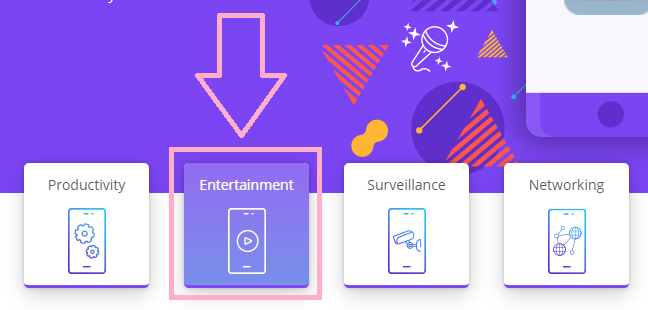
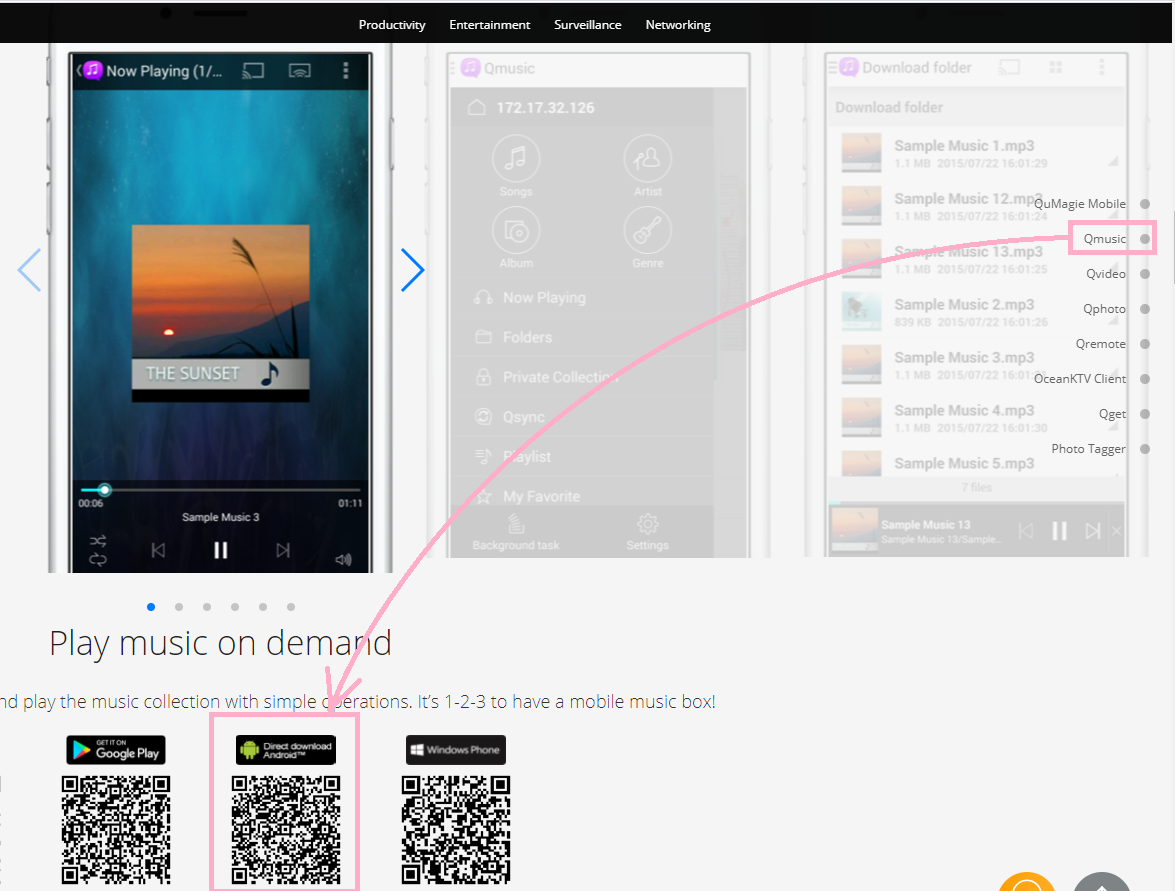
1. Please use Desktop browser to download the APK file by clicking on Direct download Android.
2. Save the apk file to your NAS. Or save to your phone and then use an App that you are familiar to install apk files, for example, Qfile.
3. Go Setting in your phone > Apps > find Qfile and tap on it > Install unknown apps > set to "Allowed"
4. Use Qfile to log in your NAS to find the apk file and then tap on it. You should be able to install Qmusic afterward.
- Qmusic for Android
Qmusic is not available from Google Play Store in 3 countries Dutch, Belgium, and Luxembourg. If you can use VPN to connect to another country other than those 3, you should be able to see Qmusic in Google Play Store afterward.
Or you can manually download the apk file here and then install it on your phone afterward.
1. Please use Desktop browser to download the APK file by clicking on Direct download Android.
2. Save the apk file to your NAS. Or save to your phone and then use an App that you are familiar to install apk files, for example, Qfile.
3. Go Setting in your phone > Apps > find Qfile and tap on it > Install unknown apps > set to "Allowed"
4. Use Qfile to log in your NAS to find the apk file and then tap on it. You should be able to install Qmusic afterward.
需要进一步协助,欢迎前往官方社区发帖,与其他用户及 QNAP 专家交流。 前往 QNAP 官方社区


