


Why does the “Auto upload” feature in the Android version of QFile not automatically back up all my files from the SD card (External Storage) on Android?
This is a known limitation of devices running Android versions between 6.0 Marshmallow all the way to 7.1.1 Nougat and it has to do with a process in the operating system that was not implemented well. The issue was finally patched by Google in Android 7.1.1 Nougat so our first suggestion would be to check if your device manufacturer has a new Android system update available for your device.
If there is no such update for your device then you can follow the workaround explained below to make sure all your files are safely backed up to your NAS.
Since there are two main parts under the “Auto upload” setting in the QFile app, we are going to take a look at these separately.
1. Auto upload multimedia files from the gallery
This part of the application is not affected by the previously mentioned bug in Android and it works as intended.
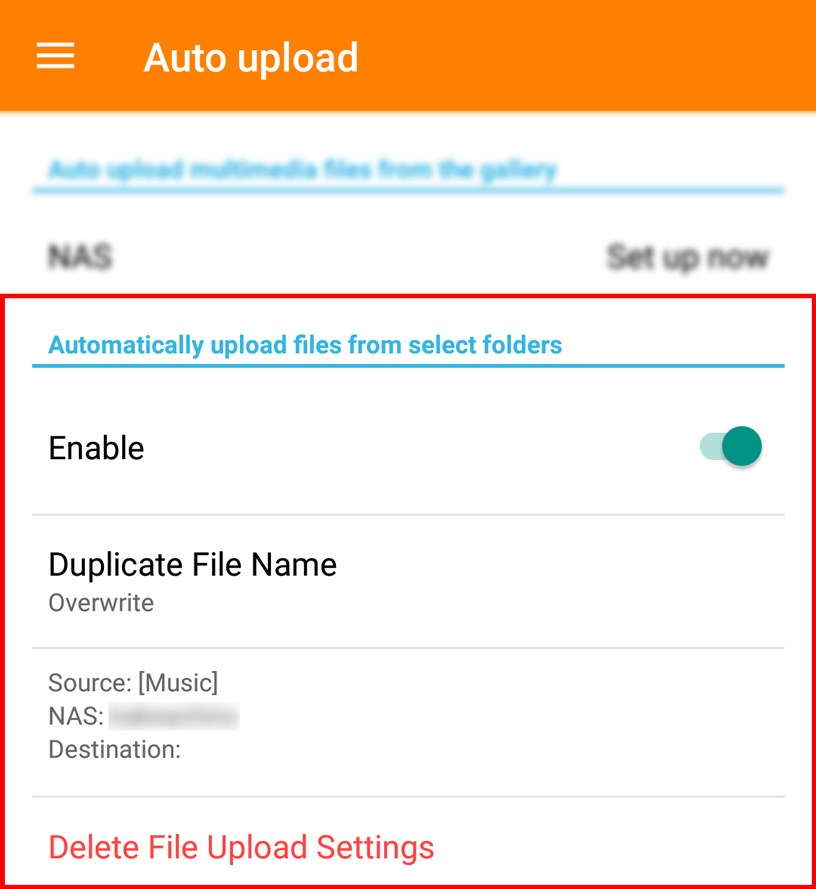
This is the setting used to back up photo and video files from your smartphone. No matter if these files are stored on the Internal or External storage they will backed up properly without you having to perform any extra steps.
2. Automatically upload files from select folders
This part of the application is affected by the previously mentioned bug in Android. Keep reading for a workaround.
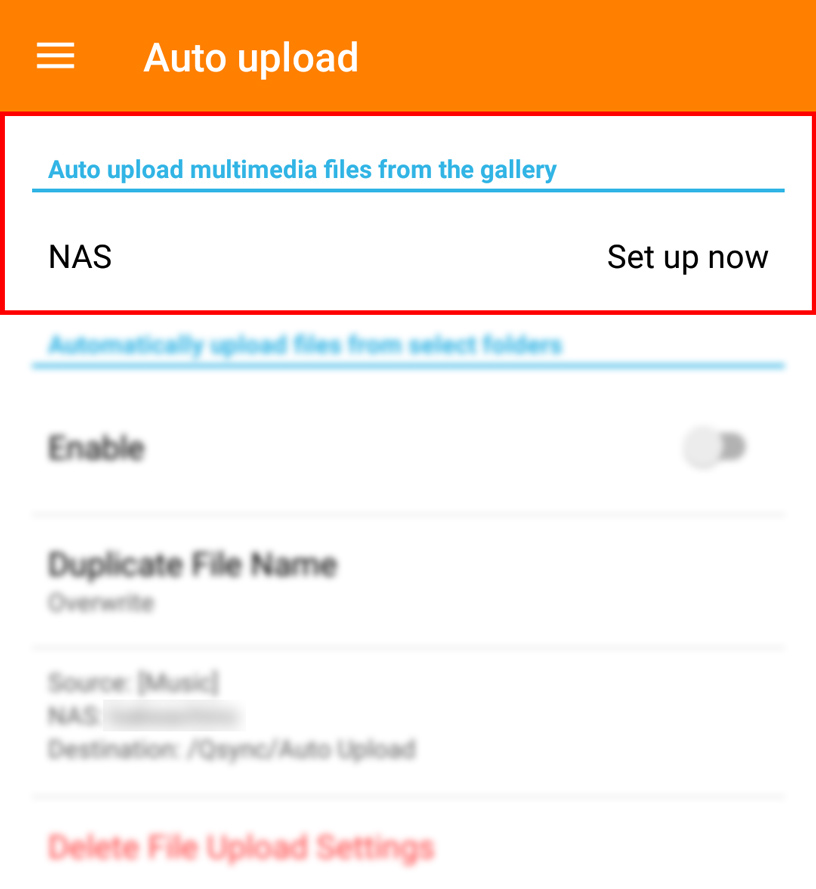
This setting here is used to back up all kinds of files (such as documents, music, etc.) from folders you manually select from either the External Storage or SD card.
Problem
If you add new files to these selected folders (even photo or video files) after the initial backup has been completed, these newly added files in the source folder will not be backed up to your NAS.
Solution
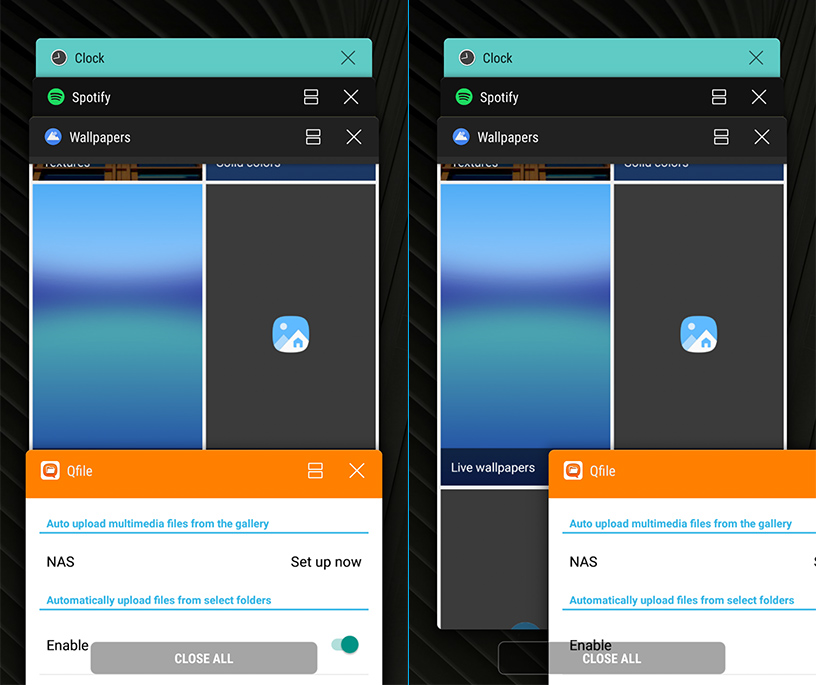
If you notice the backup not working properly, please “Force Close” the QFile application (usually done by swiping it away in the open apps screen) and then launch it again. This will force a file/folder scan in the selected directories (including External Storage or SD card) and resume normal backup operation.
More information can be found about this bug on Google’s Issue Tracker website here.
需要进一步协助,欢迎前往官方社区发帖,与其他用户及 QNAP 专家交流。 前往 QNAP 官方社区


