


Multimedia Console never starts. It's stuck in"MultiMedia Console is starting up. Please try again later. "
最后修订日期:
2022-03-30
Applied models:
Applied Firmware:
When you try to open Multimedia Console it is always displayed in the right bottom corner a message that says “MultiMedia Console is starting up. Please try again later”
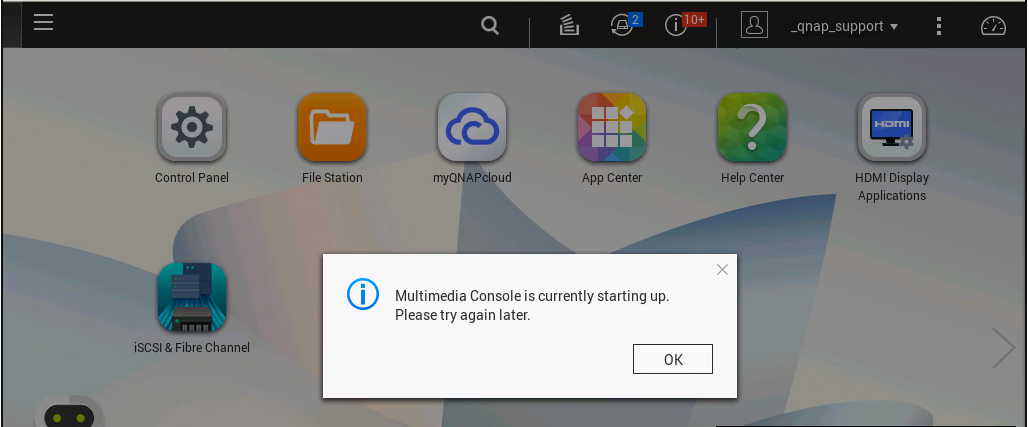
To solve this problem need to access the NAS via ssh (https://www.qnap.com/en/how-to/knowledge-base/article/how-to-access-qnap-nas-by-ssh/) and run following command
[~] # /etc/init.d/services.sh restart
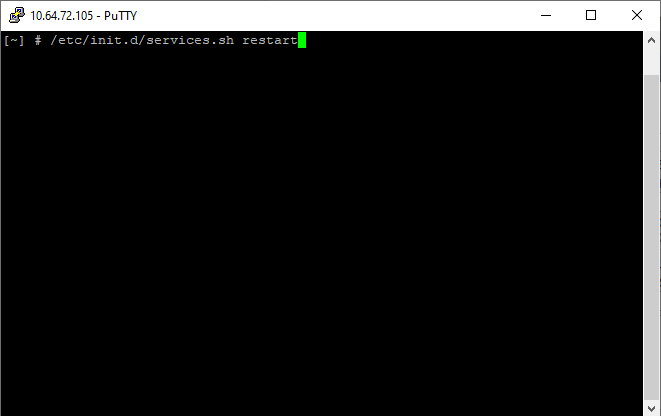
After some minutes running the command, the app will open again.
需要进一步协助,欢迎前往官方社区发帖,与其他用户及 QNAP 专家交流。 前往 QNAP 官方社区


