


Install third party APPs repository in the APP center
最后修订日期:
2022-03-30
Applied models:
Applied Firmware:
-
All QTS Versions
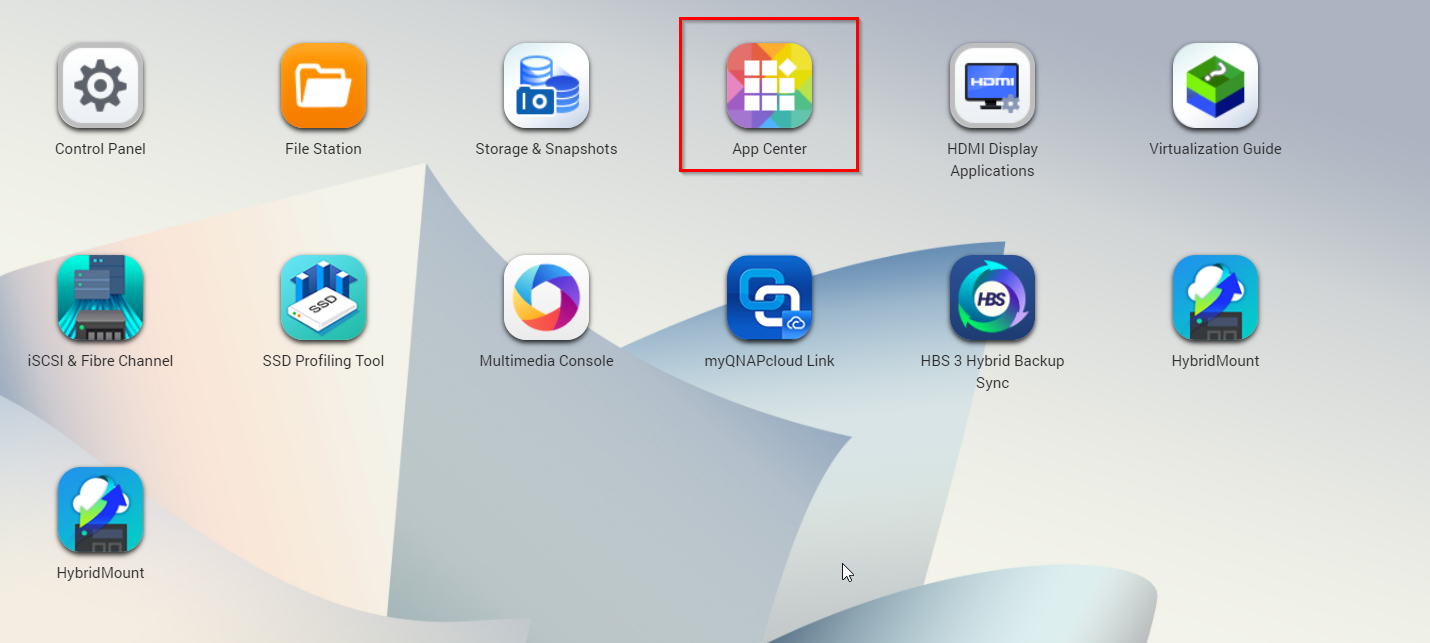
To install a third party repository in the NAS, first you will need to open “App Center”
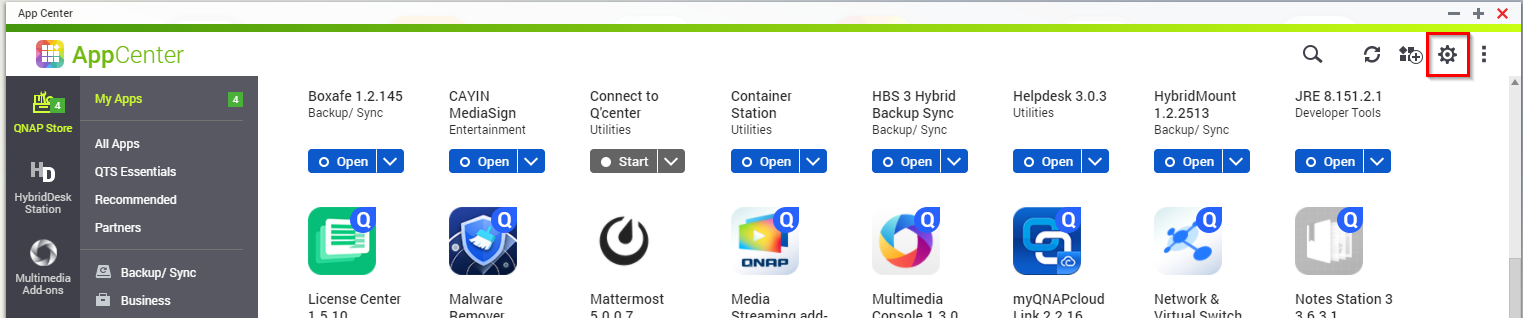
Then click on the settings icon.
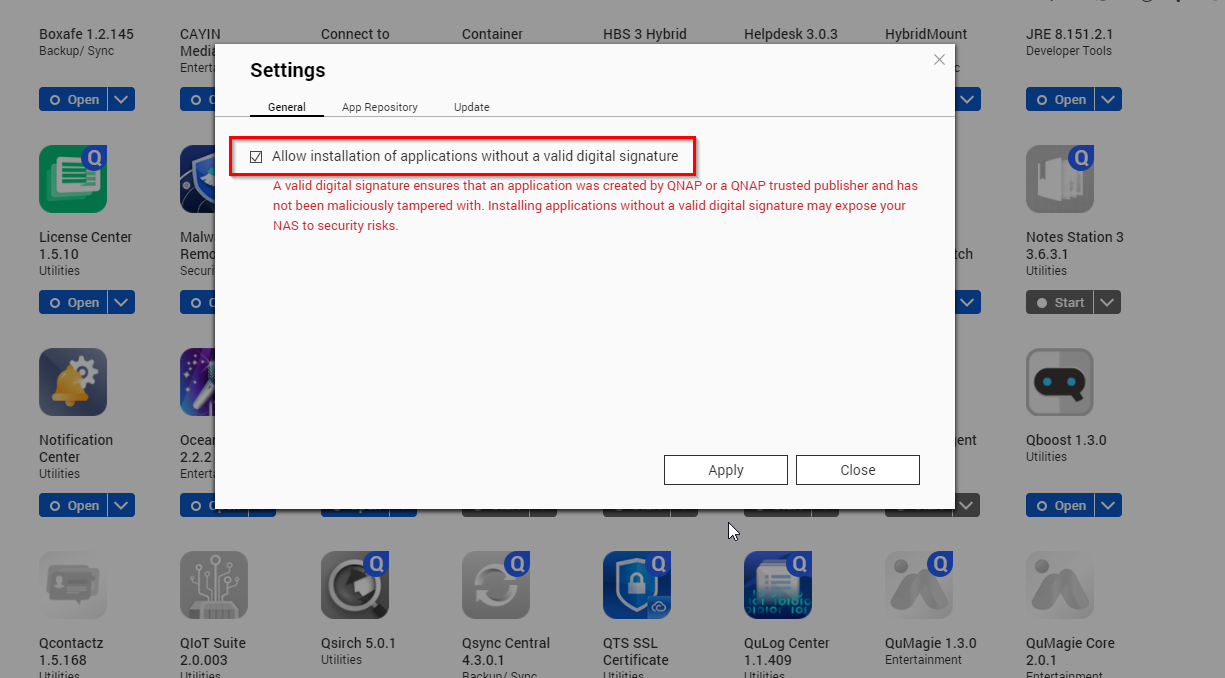
Then in the “General” Tap allow to install Non Qnap apps
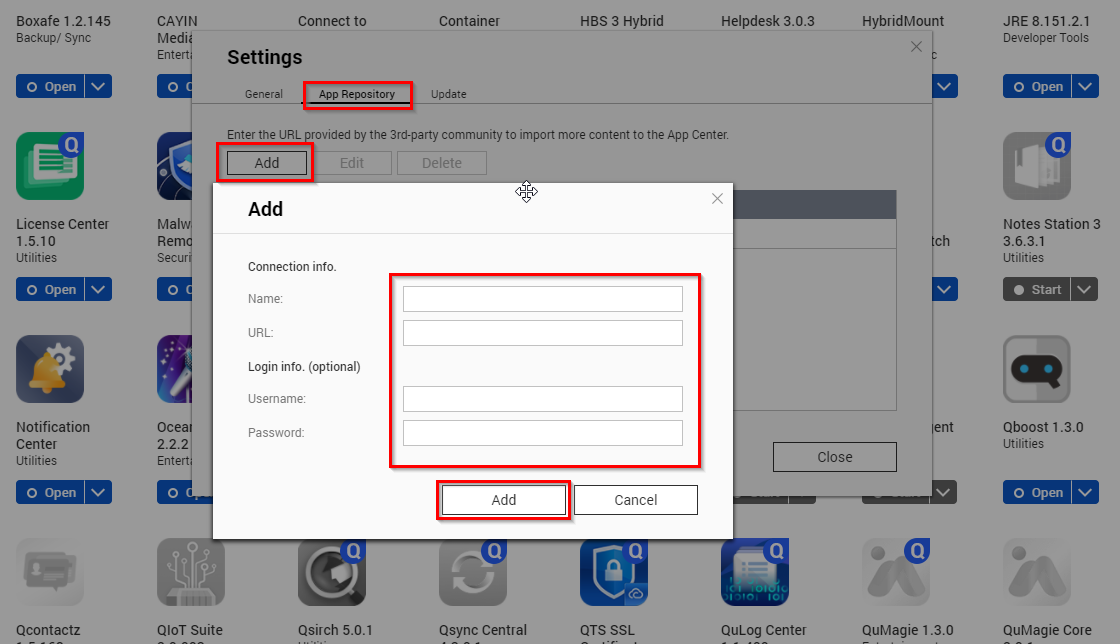
Finally input the repository details in the tab “App Repository”
需要进一步协助,欢迎前往官方社区发帖,与其他用户及 QNAP 专家交流。 前往 QNAP 官方社区


