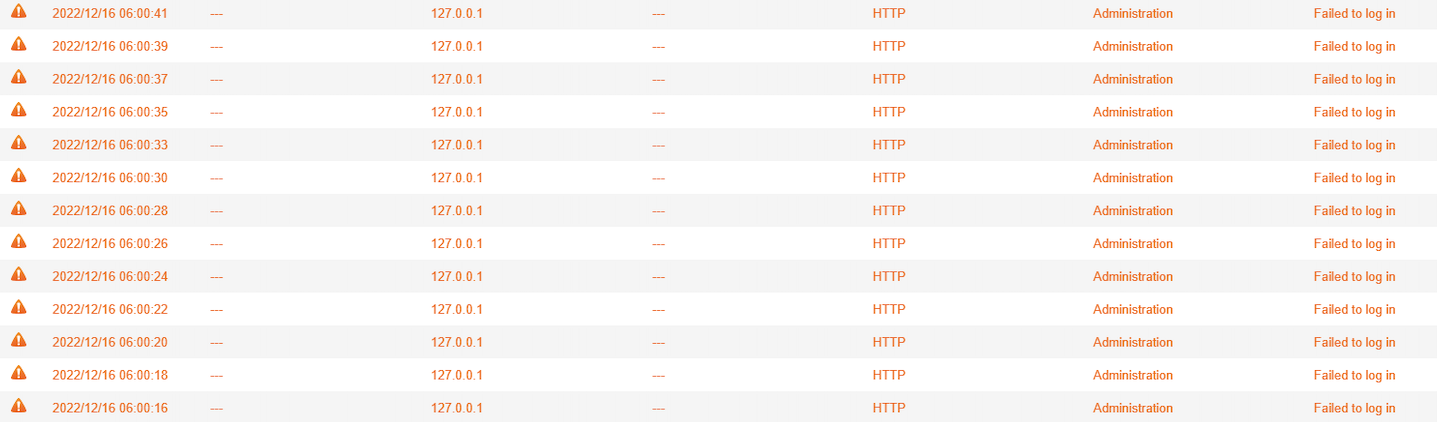
What should I do if receiving the warning message "Failed to log in" from 127.0.0.1 via HTTP ?


最后修订日期: 2023-02-03

Applicable Products

  • Security Counselor

Symptom

Cause

The warnings are generated since Security Counselor app token was expired, QTS fails to log in for running Security Checkup scan schedule. Re-opening Security Counselor in QTS to renew the app token fixes this issue. 

Procedure

  1. Log in QTS as an administrator

  2. Open Security Counselor

    • Perform scan once (optional)
  3. Done.

这篇文章有帮助吗?

谢谢您,我们已经收到您的意见。

请告诉我们如何改进这篇文章:

如果您想提供其他意见,请于下方输入。

选择规格

      显示更多 隐藏更多
      open menu
      back to top